
We’ve added a new Sovrn Guide to the platform to help creators and publishers get answers faster. The Sovrn Guide provides instant responses to common questions directly in the platform, saving you time.
How to use the Sovrn Guide
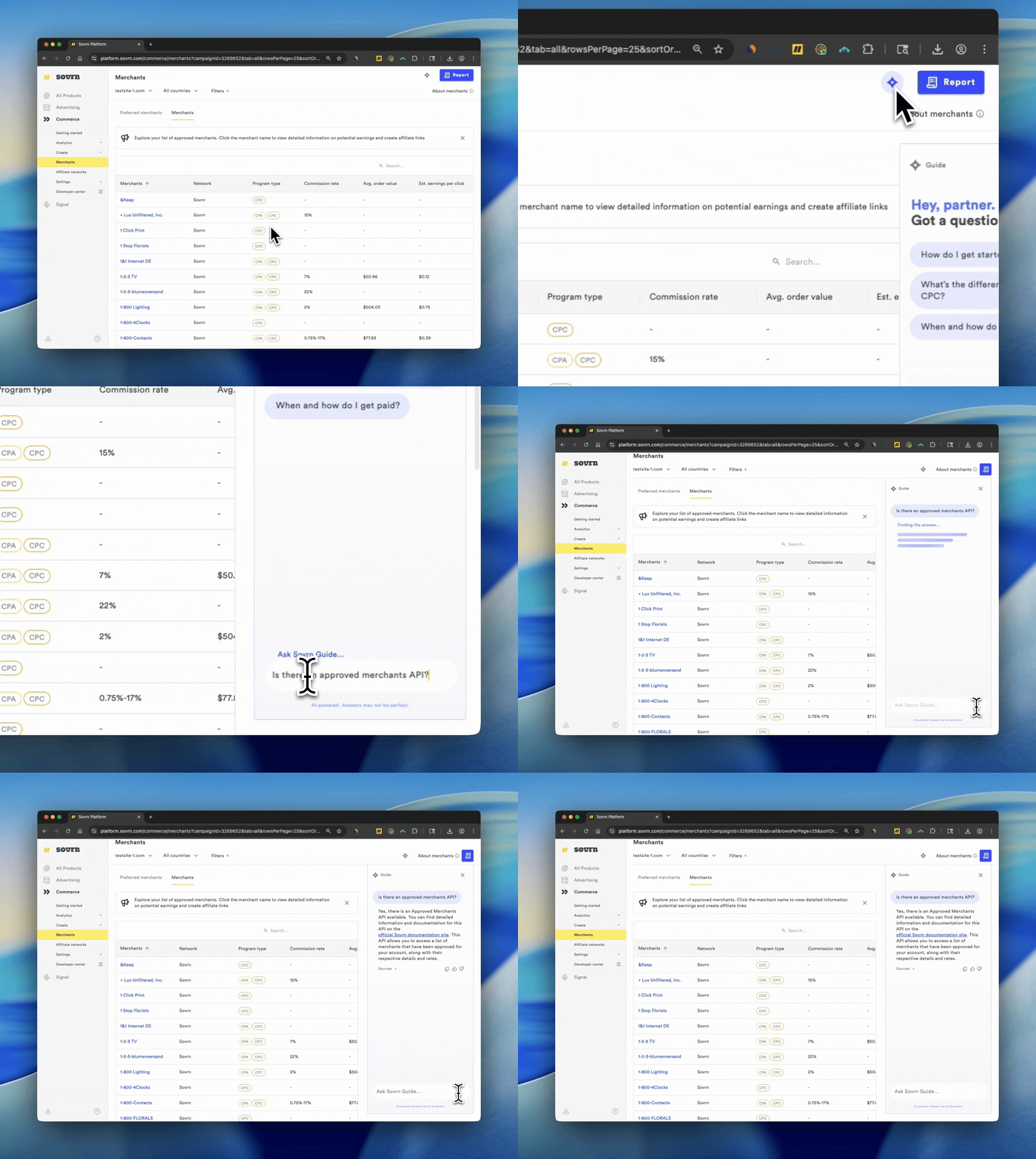
To access the Sovrn Guide:
-
Login to your Sovrn account by clicking here.
-
In the left-hand navigation, go to Commerce
-
Click the star icon in the top right corner to open the Commerce Help Bot
-
Type in your question, or choose from one of the pre-selected questions shown at the top
Answers are generated automatically. For more information, click on the Sources tab to view links to the Knowledge Base that can help direct you to the right place.