
This article is referring to our Product Recommendations (AI Shopping Galleries). If you are looking for information on the standard Shopping Galleries feature, please refer to this article.
Product Recommendations help publishers and creators add shoppable product galleries to their content automatically. Using AI, the feature analyzes your page, recommends relevant affiliate products, and displays them in a customizable, responsive gallery designed to increase clicks and conversions.
This is a set-and-forget way to enhance commerce content without manually building or maintaining shopping galleries.
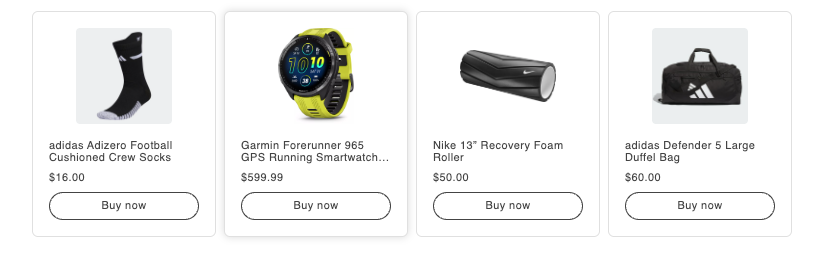
What are AI-Powered Product Recommendations?
Product Recommendations are AI-powered, on-page product galleries that automatically surface relevant affiliate products based on your content.
Unlike traditional shopping galleries, which require manual product selection, link creation, and ongoing maintenance, Product Recommendations handles everything for you, from product discovery to link optimization.
How Product Recommendations Work
Product Recommendations follow a four-step process:
-
Content analysis: The system scans your page or content to understand topics, keywords, and context.
-
Query generation: Based on that analysis, our models generate search queries to find relevant products.
-
Product optimization: AI selects products most likely to perform well, factoring in relevance, historical conversion rates, commission rates, and pricing.
-
Gallery display: Products are displayed in a customizable gallery that fits into your page.
Over time, the system continuously learns from user interactions and conversion data to improve product selection and performance.
How to Use Product Recommendations
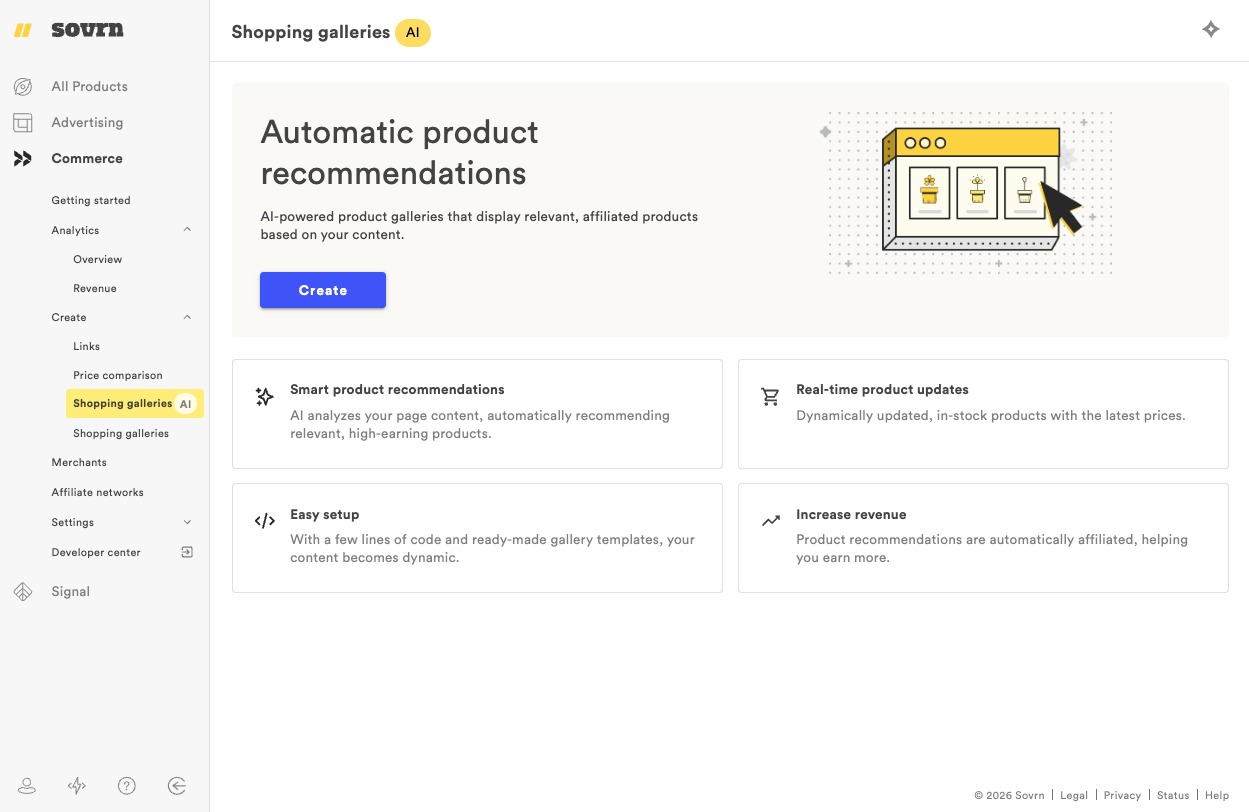
Product Recommendations can be added to new or existing content, and work across a range of content categories, displaying products from thousands of merchants.
-
Log in to the platform and navigate to Create → Product Recommendations
-
Confirm that the Commerce JavaScript is installed on your site
-
Customize your gallery settings, including size, font, and colors
-
Either:
-
Add a gallery to each page on your site by placing a single line of code in your CMS template
-
Add it selectively to individual articles
-
Once installed, galleries populate automatically based on each page’s content.
Access via API
Product Recommendations are also available via API.
Using the Product Recommendation API, you can retrieve recommended products programmatically and render them within your own layouts, applications, or shopping experiences. This option is best suited for teams that want full control over presentation or are building custom commerce workflows.